cosmos.gl v3 Is Here
Today, the team is shipping v3 – the most significant release in the project's history.
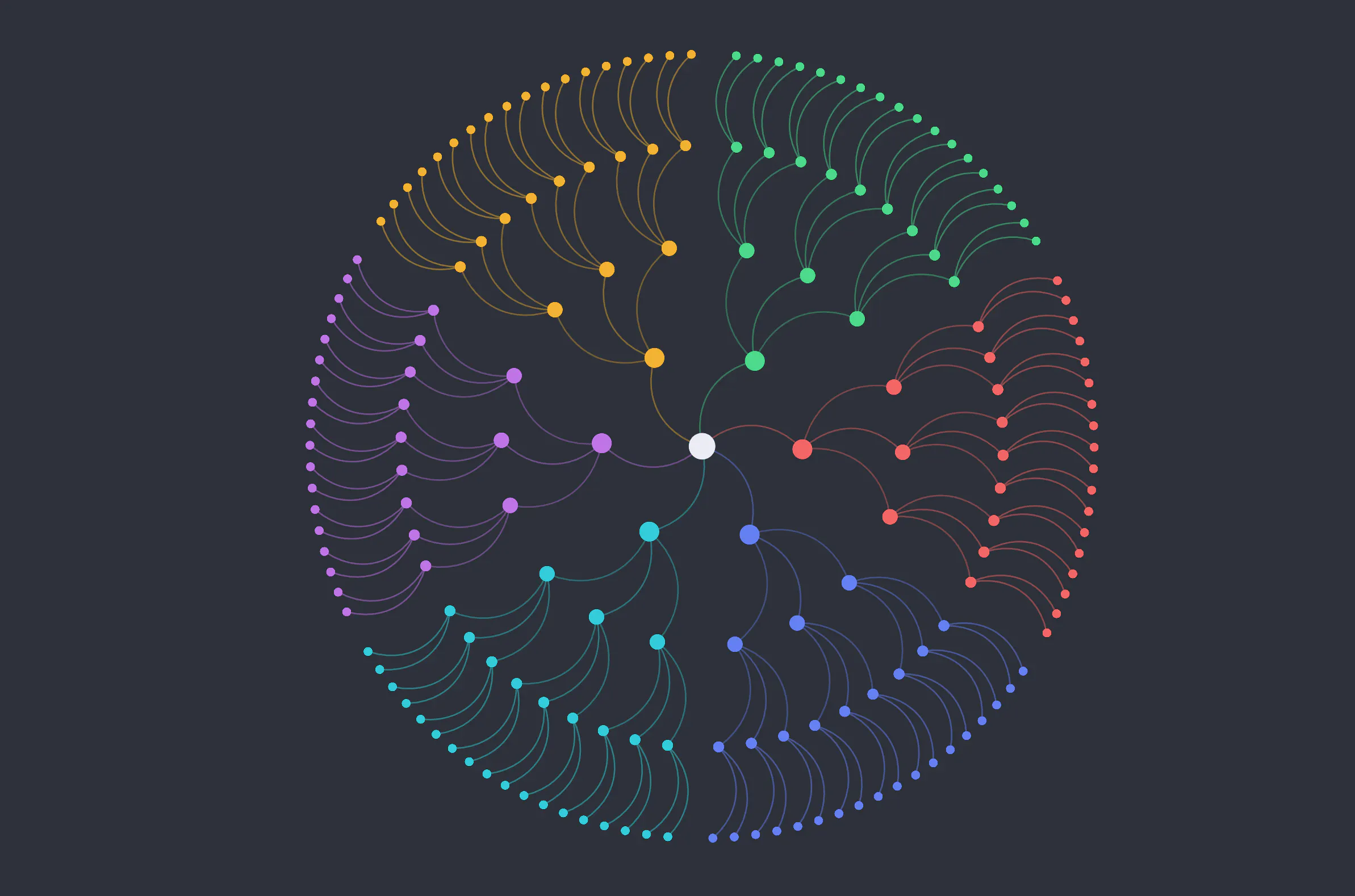
When cosmos.gl joined the OpenJS Foundation earlier this year, it came with an ambitious roadmap. Today, the team is shipping v3 – the most significant release in the project's history.
Under the hood, nearly everything has been rebuilt. But the headline is simple: cosmos.gl is now faster, smoother, works on phones and tablets, and is easier to build with than ever before.
A new rendering engine
The biggest change in v3 is one most users won't see directly, but will definitely feel. cosmos.gl has transitioned from its previous WebGL renderer to luma.gl, a modern WebGL 2 framework. This is the same rendering layer used by other high-performance visualization tools like deck.gl in the JavaScript ecosystem.
The practical result: better GPU utilization, a more stable rendering pipeline, and a foundation the team can build on for years to come.
Transitions that actually animate
In previous versions, updating a static graph – when force simulation is disabled – occurred instantly when moving nodes to new positions, changing colors, or resizing points. One frame it looked one way; the next frame it looked different.
In v3, those updates animate smoothly by default. Positions glide from one layout to another. Colors and sizes blend. The whole thing runs on the GPU, so even graphs with hundreds of thousands of nodes stay fluid.
This matters most for use cases where the graph is telling a story – filtering a network to show a subset of connections, walking through time-series data, or highlighting a path through a complex system. Motion gives users the spatial context to understand what changed and why.
Developers who prefer the old instant-update behavior can turn transitions off with a single config option.
Touch and tablet support
cosmos.gl was built for the browser, but until now it worked best with a mouse and keyboard. v3 changes that.
Tap to select a node. Pinch to zoom. Drag to pan. Long-press for a context menu. It all works the way you'd expect on a phone or tablet — which opens up new possibilities for presenting graph visualizations to audiences beyond the desktop.
A simpler way to highlight and select
One of the most common things developers do with a graph visualization is highlight a node and its connections – to show a user what's related to what they clicked, or to narrow focus in a complex network.
v3 introduces a cleaner model for this. Instead of a single "selection" state, there are now independent controls for highlighting (which nodes are emphasized vs. greyed out), outlining (which nodes get a visible ring), and focusing (which link is drawn wider). Points and links are controlled separately.
This makes it much easier to build the kind of interactive, exploratory experiences that graph visualizations are best suited for.
Link interactions and labeling
Links are now interactive elements, allowing users to hover over them or click on them to trigger application logic.
v3 also introduces link sampling – developers can retrieve representative points along rendered links and use them to place labels, annotations, or custom overlays directly on connections. This makes it much easier to build visualizations where relationships carry as much information as the nodes themselves, without having to manually reconstruct link geometry.
What's next
v3 is a foundation as much as a release. The rendering upgrade, the async initialization model, and the cleaner API surface all set cosmos.gl up for the kind of growth the team has in mind as it progresses through the OpenJS incubation process.
If you're already using cosmos.gl, the full release notes on GitHub have everything you need to upgrade. If you're new to the project, now is a great time to try it – the live demo is the fastest way to see what it can do.
Questions, ideas, or feedback? The team is active in GitHub Discussions.